


CU75–250 · LIGHT STEEL FRAME PRODUCTION
LIGHT STEEL FRAMING
ROLL FORMING MACHINE
Production of C/U components for steel frames and project kits.
A light gauge steel framing machine for component processors and project-driven frame factories. Configure sections, tools and manufacturing data around the parts and kits your order requires.
From Components to Project Kits
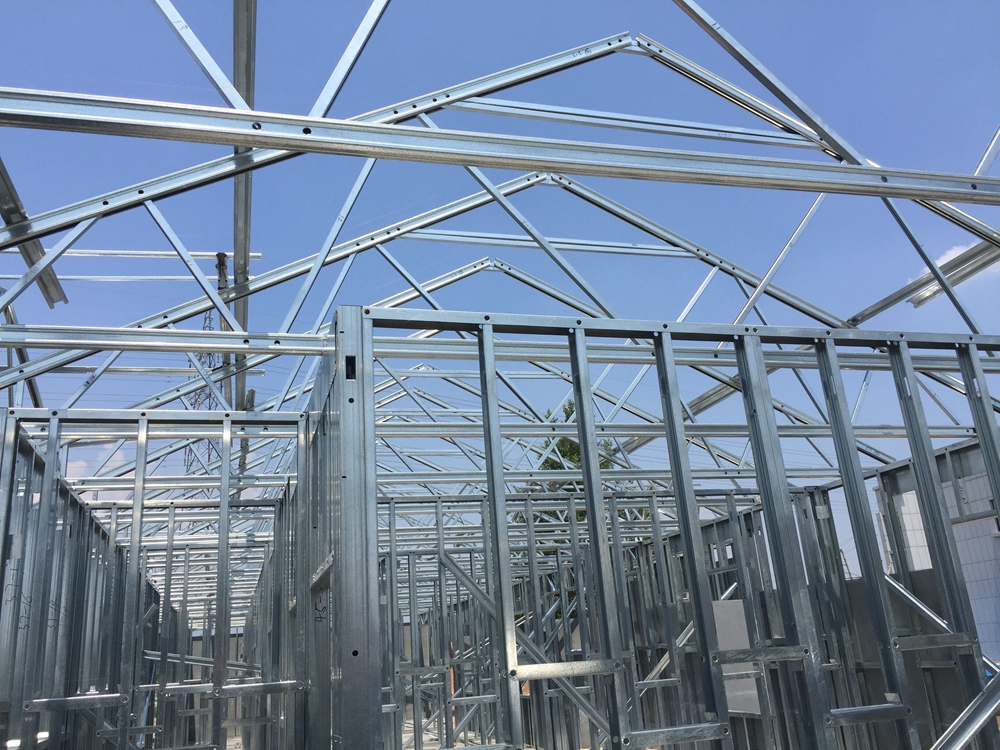
Loose components, project kits and assembled frames are different deliverables. Component production ends with accepted, identified members; a kit also needs a complete BOM allocation, while wall panels and trusses require assembly fixtures, connections, inspection and handling.
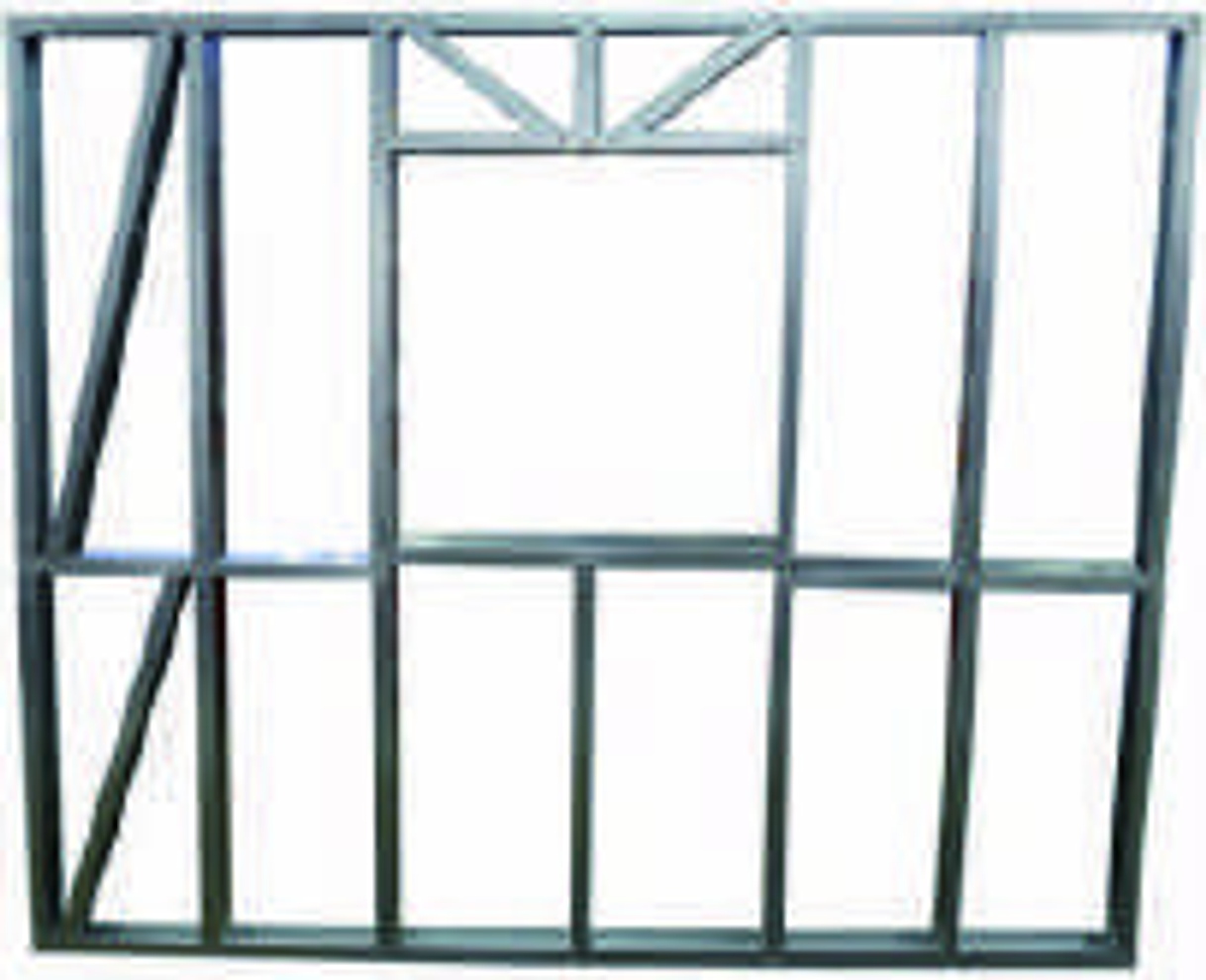
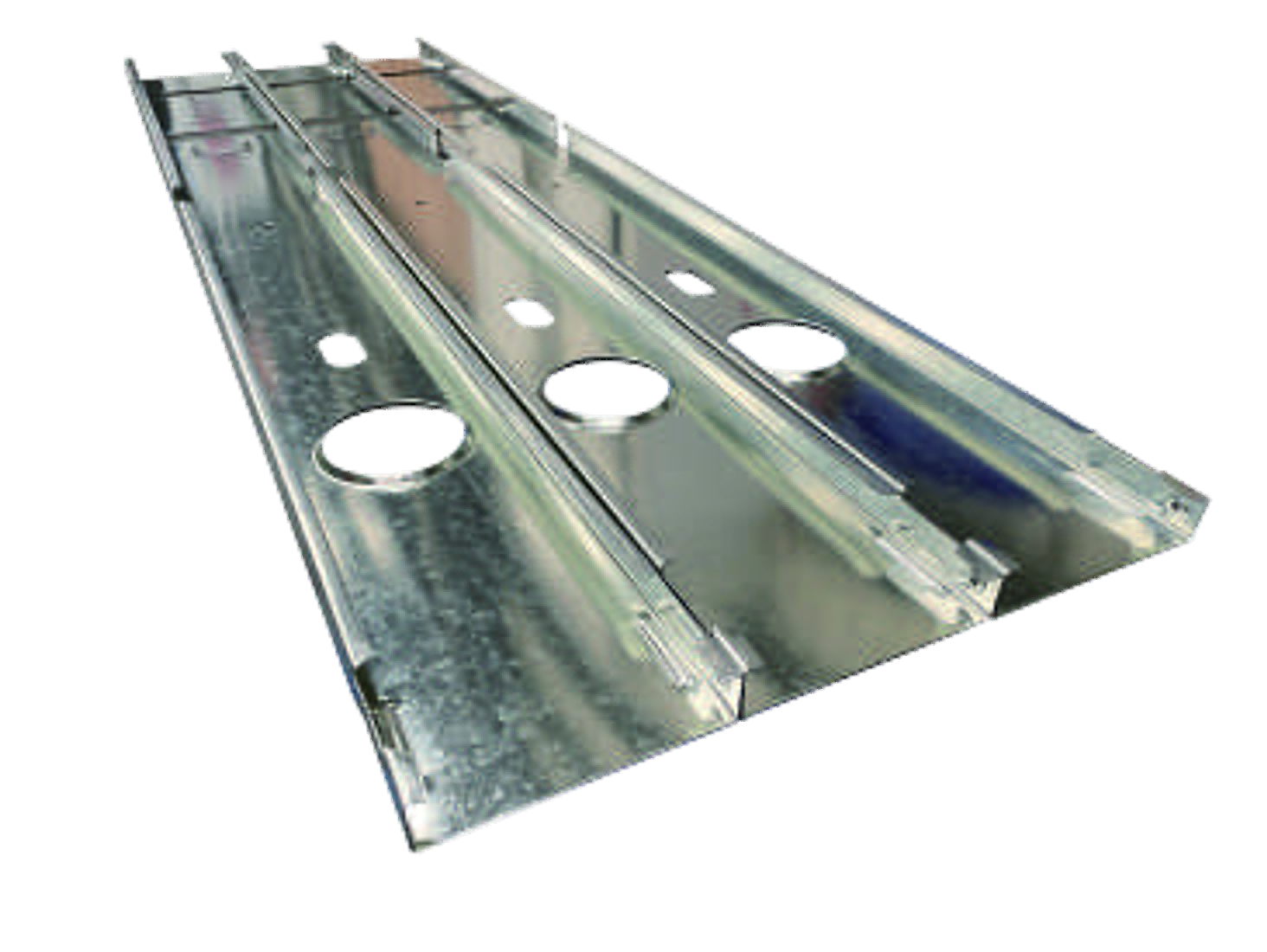 Start with accepted, identified components.
For a stable, high-volume section mix, compare a dedicated route with a multi-profile steel framing machine. Engineering-order production needs a broader comparison of changeovers, tools, data and downstream work. List which joists, braces or connection parts are made in-house and which are purchased.
Sections That Fit the Frame
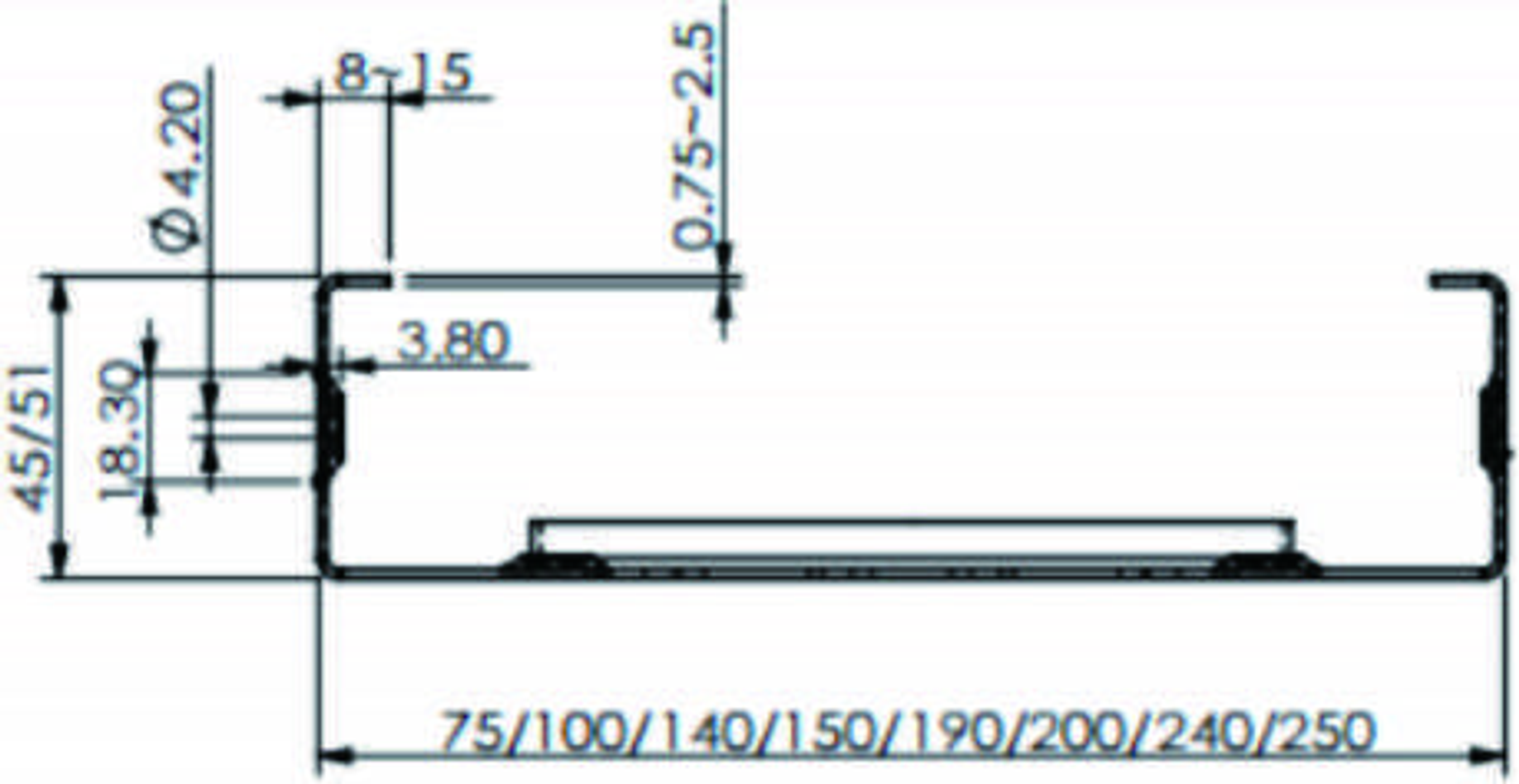
C-stud and U-track fit depends on actual inside and outside dimensions, thickness, coating, radii and clearance. A shared nominal width is insufficient: use the same approved section and connection revisions to evaluate free parts, matched interfaces and assembly samples.
Free section
Record actual inside and outside dimensions, flange, lip, bend radii, thickness and coating. The designer defines the required section; the machine supplier evaluates manufacturability.
Mating interface
Use approved C/U drawings and clearance. State insertion direction, contact faces, fastening access and connection revision; a nominal “150” is not a fit specification.
Assembly sample
Measure free components, then the matched connection and frame. Use the approved material and revisions when evaluating interchangeability between batches.
Define any unlipped U-track conversion, matching geometry and tooling as a specific production item. Keep structural detailing under the project designer’s approval rather than altering a connection simply to suit available tools.
Match the Profile to the Coil
Choose the section and steel as one production combination. A usable matrix ties actual web, flange, lip and strip width to thickness basis, grade, strength, coating, tooling and tolerances; its boundary combinations determine which trials and settings are needed.
| Production field | CU75–250 reference | Selection basis |
|---|---|---|
| Web | 75, 100, 140, 150, 190, 200, 240, 250 mm | Discrete references; use the actual inside/outside dimensions and bend geometry on the approved CAD. |
| Flange and lip | Flange 45/51 mm; lip 8–15 mm | Specify the required combination. C/U fit and clearances follow the approved section and connection drawings. |
| Steel thickness | 0.75–2.5 mm | State base metal or total coated thickness, grade, strength, coating and the selected section/tool combination. |
| Coil and strip | Job-specific | Define developed strip width, coil weight and inside/outside diameters for the feeding and handling scope. |
| Boundary trials | Representative SKU combinations | Choose thick or high-strength material, tight returns and demanding hole/end details to test the actual production limits. |
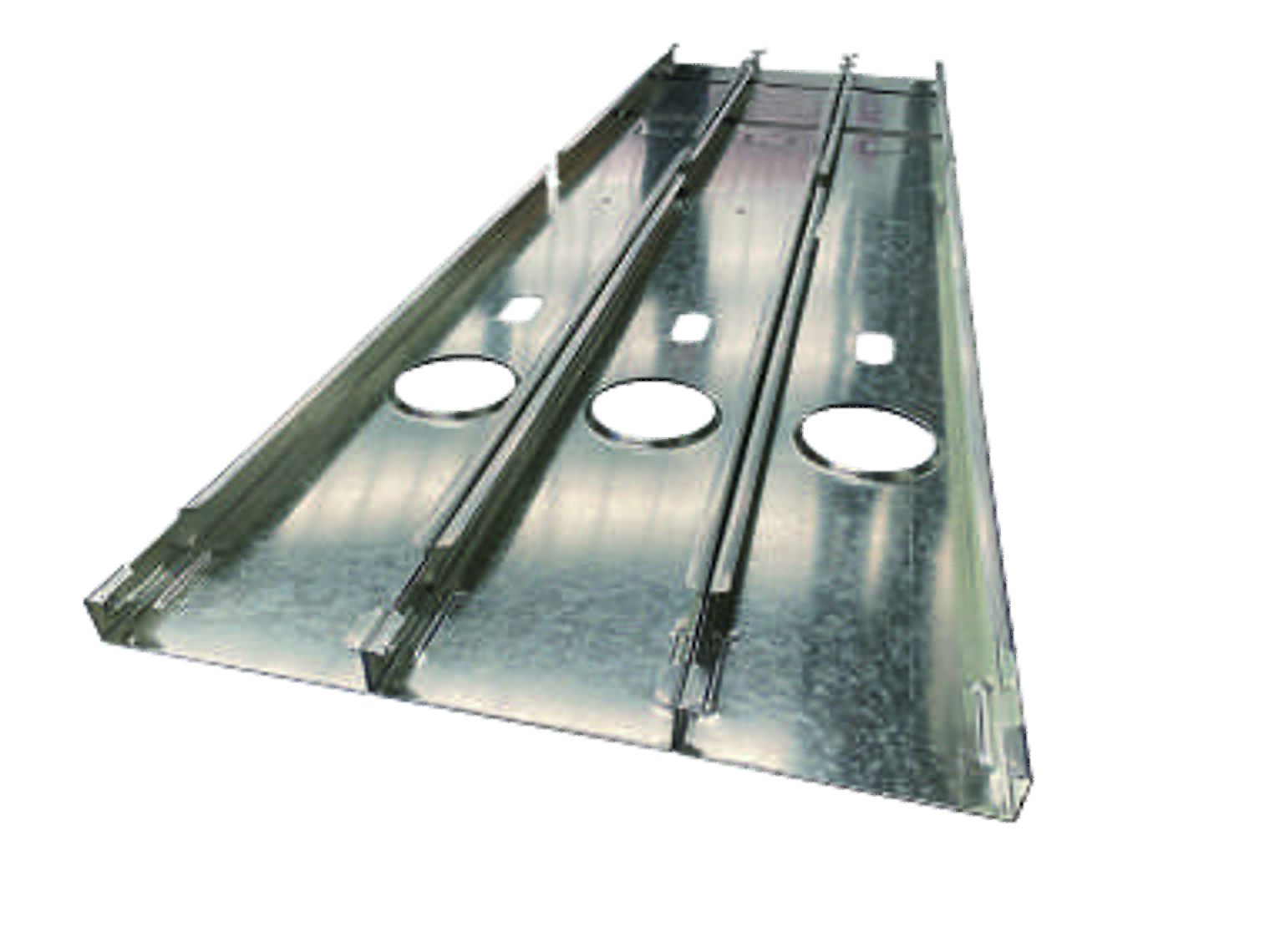
Use one SKU record for the drawing revision, steel certificate, strip width, tool set and acceptance tolerances. A thickness range and several nominal widths do not establish that every combination can run on the same settings.
What Changes When the Size Changes?
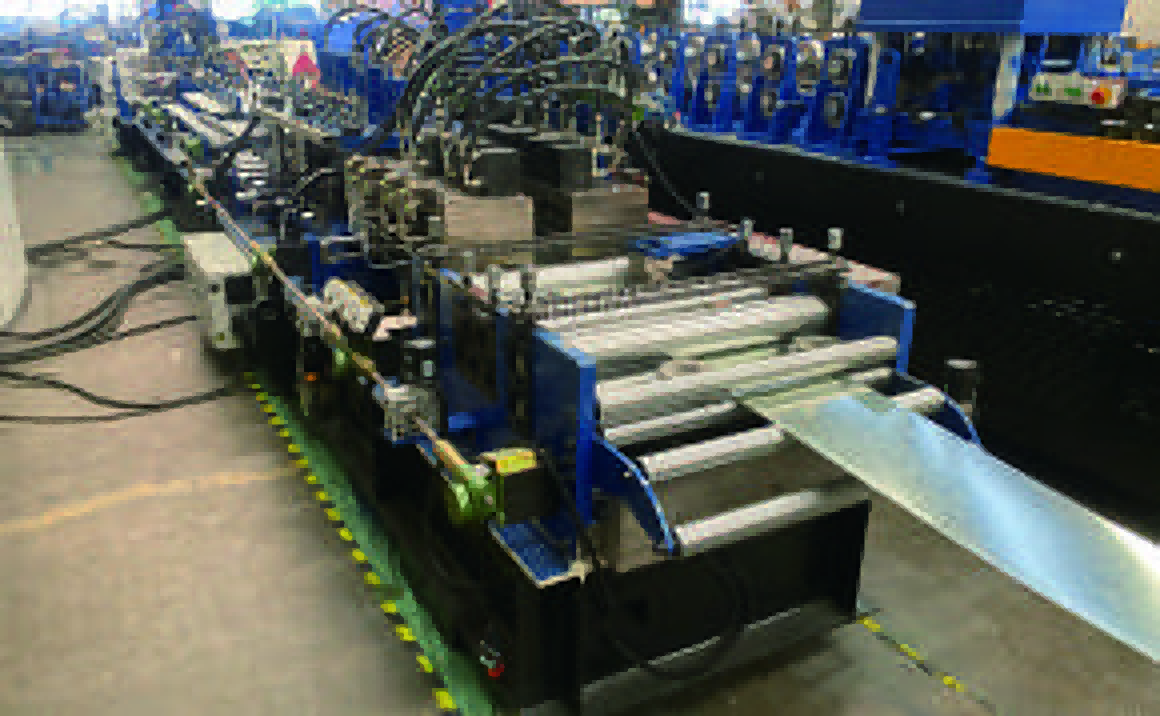
Automatic size change describes dimensional adjustment within the configured machine. Compare a complete A-to-B-to-A changeover: material and strip width, guides, roll settings, punching and cutting tools, job data and marking settings all affect the first accepted part.
Dimensional settings
Identify which width or size axes move automatically and which guides require manual setting. Associate each recipe with a valid profile/material combination.
Roll and cutting arrangements
Separate roll adjustment or replacement from blade changes, cutter alignment and end-clearance checks. A size command does not define every mechanical action.
Punching tools
List tool installation, feature access, datums and section limits. A different hole family or end detail may require another tool or operation.
Material and job settings
Account for strip width, coil change, job release, tool mapping and marking settings. Include the time and trial material needed to recover an accepted first part.
Last accepted A
Record the released section, material, tools and last accepted member. Start the changeover clock here.
First accepted B
Log automatic moves, manual work, tool changes, trial pieces, scrap and first-piece inspection before stopping the clock.
Return to A
Repeat the checks after switching back. Compare free-part geometry, hole/end locations, marking and matched fit.
The CU75–250 is an automatic size-change type. Evaluate complete changes across the required widths, thicknesses and C/U details; timing an axis movement alone does not measure production changeover.
Match Tools to Connection Details
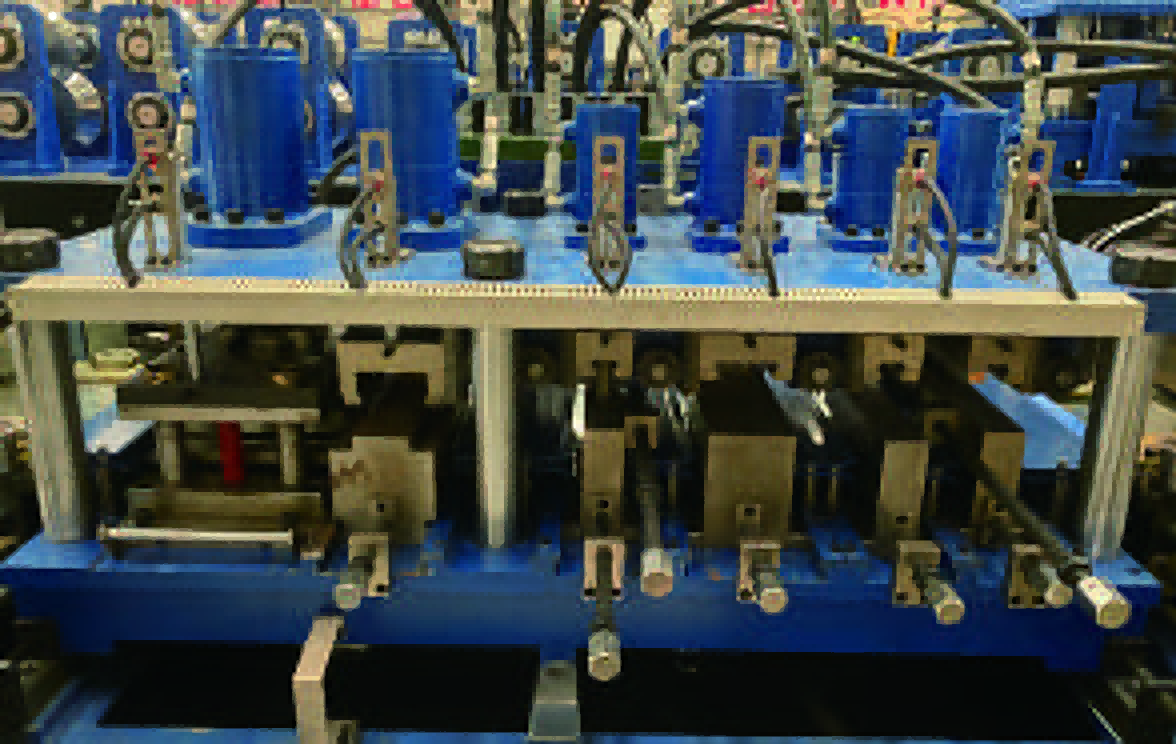
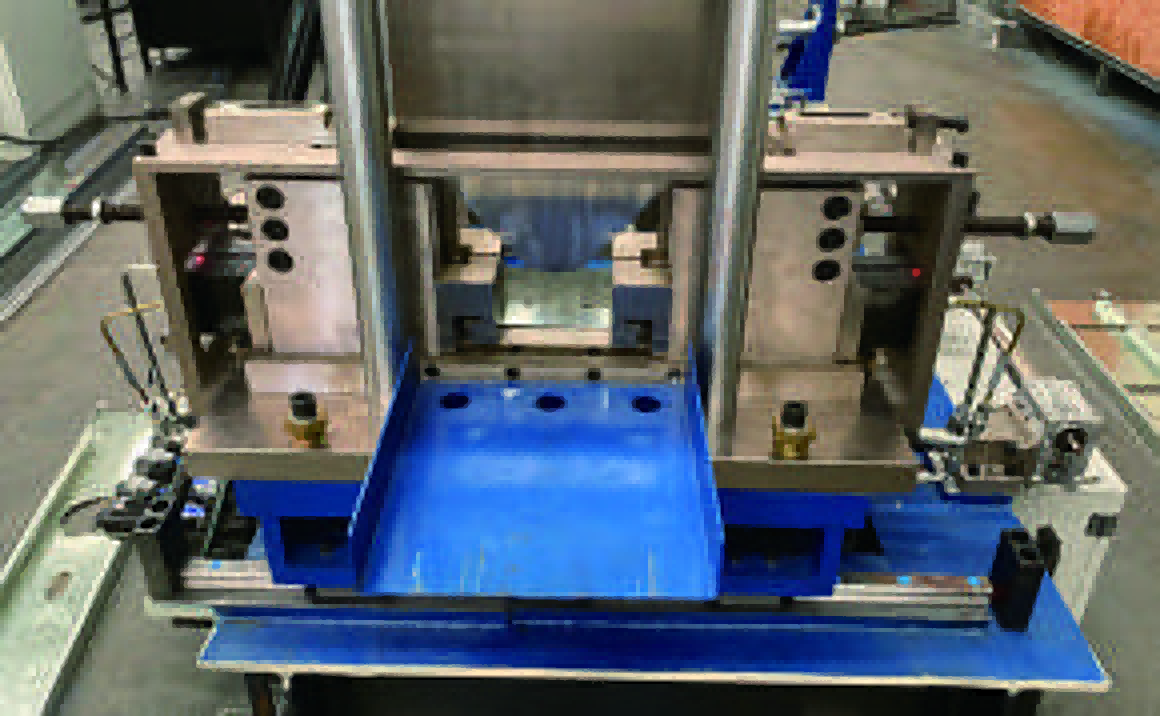
A connection feature needs a matching tool, datum and operation. Define service holes, fastener holes, dimples, end details and cutting requirements against each section and material, including access, edge distance, burr direction and any work performed after forming.

Turn each connection detail into a feature schedule
Record the feature drawing, tool code, operation, position limits, tolerances and inspection sample. Service holes, fastener holes, dimples and end details may need different tooling or work after forming. Distinguish included equipment, options and external operations.
Specify marking, dimpling and fastening as separate operations. Define marking hardware and data-control functions in the supply schedule; fastening and board fixing belong in the assembly scope. Set the station sequence and tool supply against the actual line layout. Define how punch slugs and cut waste leave the work area; check for retained scrap, surface damage and access for clearing and maintenance during the sample run.
From Design to Machine Job
An approved design becomes a production job through detailing and a machine-specific data route. Assign ownership of the model, member BOM, postprocessor, controller job and release record, so the required lengths, features and identities reach the physical parts correctly.

- Approved designProject designer
Section, connection and structural requirements at a released revision.
- Member BOMDetailing team
Member IDs, quantities, lengths, orientations and feature references.
- Machine jobData-route owner
Machine-specific postprocessing, section/tool mapping and version control.
- Made partsProduction team
Released job execution, part identification and inspection records.
- Kit or assemblyFactory team
Unique allocation to the current BOM, assembly and stage-specific release.
For a cold formed steel framing machine, a CAD/BIM model and a controller job are different deliverables. Define who maintains the postprocessor, validates changes and authorizes production. Link every layer to the same project/member revision before testing the complete route.
Prove the Data Route on Real Parts
File compatibility is established by matching the data specification to the controller and verifying real parts. Test units, origin, direction, section and tool codes, member IDs and revisions, then compare the job, machine execution and measurements, including jobs that should be rejected.
| Test group | Representative parts or jobs | Acceptance question |
|---|---|---|
| Coordinates | Short member, near-end feature, mirrored member | Do units, datum, orientation, ends and hole locations match the approved drawing? |
| Mappings | C/U sections, different tool codes and feature families | Does each operation use the correct section/tool map and stay within its physical access limits? |
| Identity | Repeated member IDs, changed quantity and a superseded revision | Are member identity, revision, count and marking consistent from job to physical part? |
| Rejection | Missing tool, unsupported operation or invalid input | Is the problem identified before production, with a controlled correction and retest? |
Keep the input, expected action, execution or rejection result, physical sample and measurements together. A model preview or a shared file extension does not verify hole positions, mirrored ends or tool mappings. Resolve changes through the approved design and data route.
Keep Every Part on the Right Revision
Release parts by project, member and drawing revision. Quarantine superseded jobs and components before remaking the affected members, and allocate each accepted part once to its current BOM; matching length alone does not establish matching identity or connection details.
- Release a controlled jobLink the job revision to member IDs, section/tool mappings and the approved BOM. Use an explicit release record, whether managed manually or through the selected software.
- Isolate superseded workWithdraw obsolete jobs and segregate affected physical parts. Classify usable stock, rework and scrap against the current drawing.
- Remake and reallocateProduce only the affected current members, inspect them and replace their allocation. Check duplicate IDs and quantities before closing the shortage.
Illustrative part record
- Project
- P-014
- Member
- ST-027
- Drawing
- Revision C
- Production job
- Released job C-02
- Material
- Coil / heat reference
- Inspection
- Accepted quantity and record
- Allocation
- Wall W-03, one physical member
Choose durable, readable identification for handling and assembly. Define the required text, location, orientation and association with the job and member record.
A print mark is only one link in part identity. Specify any barcode, character set, reprint, database or revision-control function separately in the control and marking scope. Never use matching length alone to substitute a replacement member.
Software, Licences and Production Continuity
Treat software licences and recovery as separate purchase items. Identify the included controller, any design or detailing software, postprocessors and interfaces, then define users, machines, renewals, data rights and support; test the agreed backup, restore and offline scenarios on the selected configuration.
Separate the purchase items
Controller
Identify the machine control version, job execution functions, tool library and included operating software.
Upstream software
Identify design, analysis or detailing packages separately, together with their supplier and authorised use.
Data interfaces
Assign the postprocessor, data specification, mapping maintenance and responsibility for future version changes.
Define operating rights and recovery
- Users, machines or seats; licence period, renewal costs and transfer conditions.
- Ownership and export of models, BOMs, jobs and manufacturing records.
- Support scope, supported versions and the party responsible for updates.
- Agreed offline, replacement-computer and licence-restoration scenarios for the purchased configuration.
Run an agreed recovery drill using the backed-up model, job files, tool library, marking templates and relevant calibration/settings. Check responsibilities, restoration steps and a verified first part after recovery. Include only the scenarios covered by the selected licences and system.
Kitting, Panels and Trusses
Organize receiving and kitting around the assembly order as well as the section mix. Batching by size can reduce changeovers, while project sequencing can reduce searching and work in progress; the right balance depends on your BOM, buffers, fixtures, people and dispatch sequence.
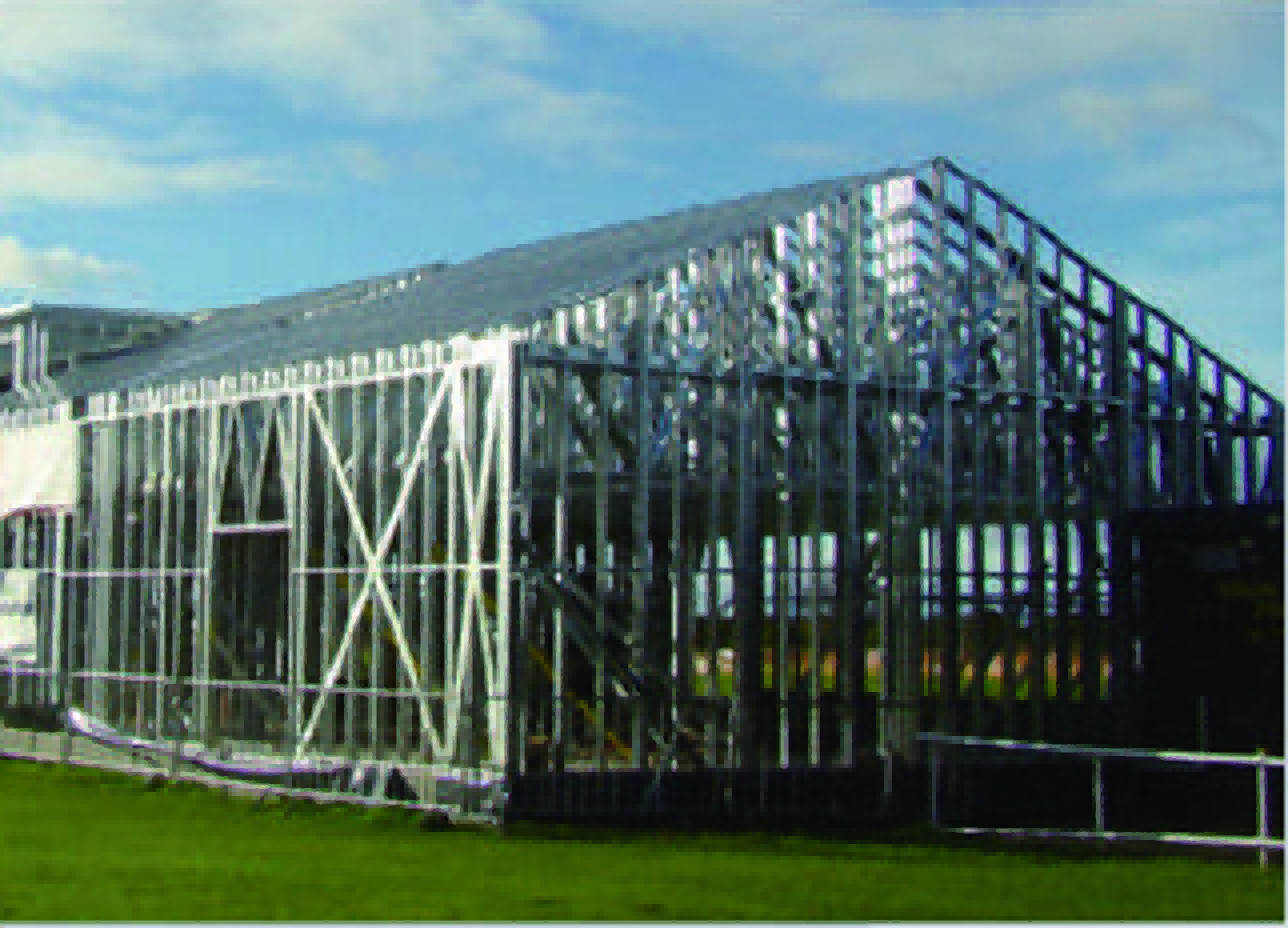
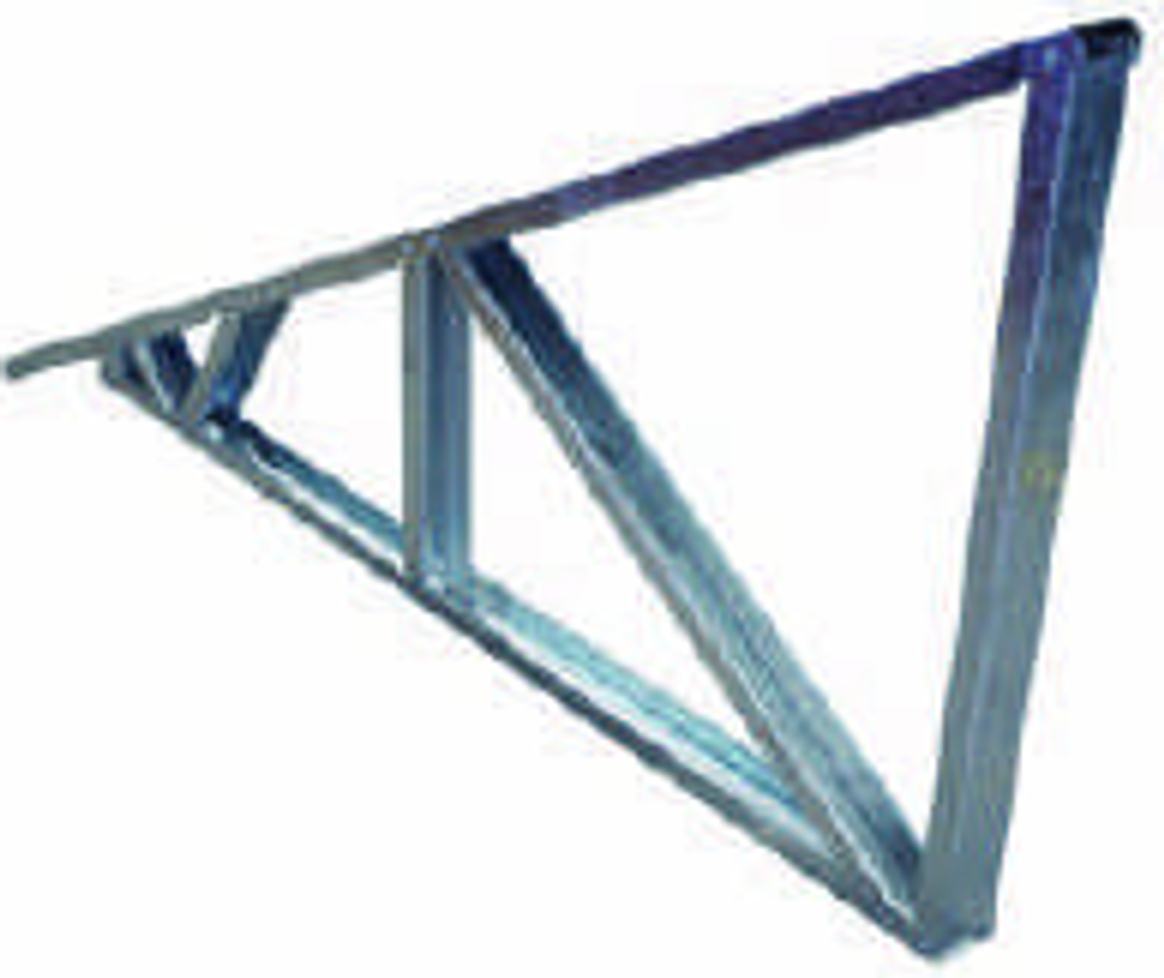
Receive and support
Support long parts, protect their free shape and keep identity visible after cutting.
Allocate and kit
Count by the released BOM. Separate shortages, excess pieces and superseded members.
Assemble and inspect
Provide fixtures, fastening tools and space for squareness, openings, connections and orientation checks.
Handle and dispatch
Plan turning, lifting, packing and the loading sequence for accepted panels or trusses.
Batching by section can reduce changeovers but increase sorting and work in progress. Project sequencing can simplify assembly while increasing switches. Compare both against one representative order, the available buffers and the actual downstream team.
Measure Accepted Project Output
Measure output at the stage you promise to deliver. Forming metres, accepted members, complete kits, inspected panels and packed orders are different measures; use a representative BOM and the same time window to account for punching, cutting, changes, inspection, remakes and assembly.
- Formed metres
- Accepted members
- Complete kits
- Inspected assemblies
- Packed orders
| Member in one repeated kit | Required per kit (q) | Accepted and allocated (G) | Whole kits supported |
|---|---|---|---|
| Member A | 4 | 11 | 2 |
| Member B | 2 | 7 | 3 |
Illustrative result for the repeated BOM above
Complete kits = min ⌊Gᵢ / qᵢ⌋ = 2
Here, a third kit needs one more A member; an extra B does not close that shortage. Use this calculation only for a fixed repeated kit with every required quantity greater than zero. For mixed projects, allocate each accepted part once to the current project, member and revision.
The brochure’s 35 m/min is a forming-speed reference. Measure accepted output over the same full time window, including punching, cutting, changeovers, stops, inspection and remakes. Add assembly and packing when those stages are part of the promised delivery; metres per minute do not establish houses per shift, project lead time or return on investment.
Inspect Parts, Fit and Finished Frames
Check free components before checking fit and assemblies. Use drawing-defined datums for section geometry, length, holes, ends, straightness, twist, surface and identity, then verify the approved C/U interfaces and assembled frames; a forced fit must not hide a free-shape error.
Free components
Check section geometry, length, hole/end positions, straightness, twist, burrs, coating and identity in the specified free state.
Matched interfaces
Pair C/U members to the approved geometry and clearance. Check orientation, contact, fastening access and connection details before assembly hides an error.
Sample across coils, A-to-B-to-A changes and remakes where interchangeability matters. Record the drawing revision and material combination for each pair.
Assemblies
Inspect wall squareness, openings, truss nodes, fasteners and handling condition against the released assembly information.
For each critical-to-quality characteristic, agree the datum, free or assembled state, gauge, sampling method, acceptance limit and sign-off owner. Record rework and retest separately. A geometrically accepted frame still needs its project-specific engineering approval.
CU75–250 and Related Production Routes
The CU75–250 is a multi-profile framer with automatic size change. Evaluate its forming, punching and post-cutting configuration against an approved C/U profile and material matrix, with receiving, marking and assembly defined as separate supply items.
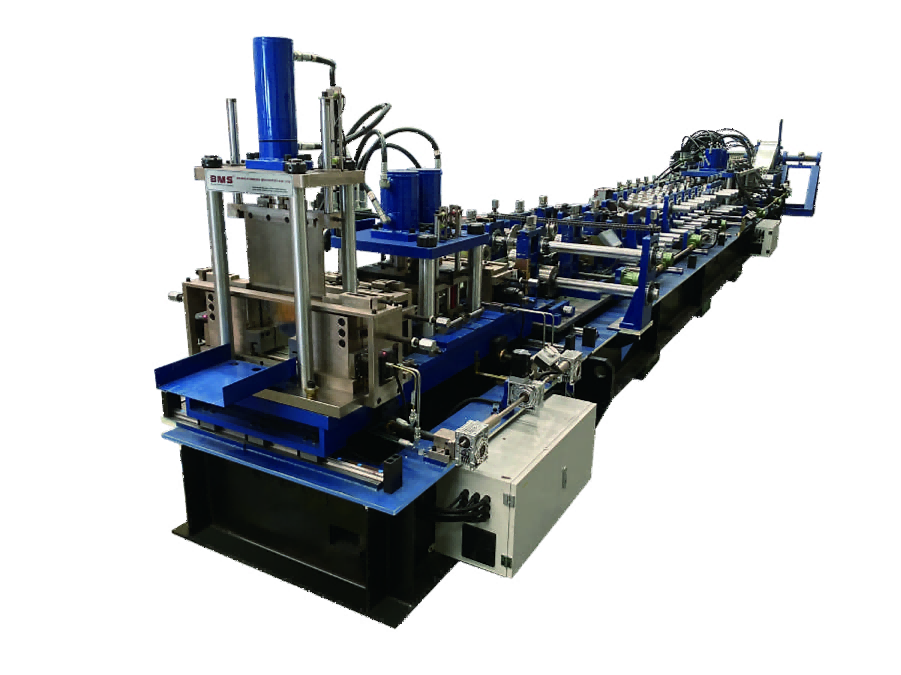
| Forming stations | 19 |
|---|---|
| Motor power | 22 kW |
| Forming-speed reference | 35 m/min |
| Hydraulic tank | 200 L |
| Cutting-blade material | Cr12 |
| Thickness reference | 0.75–2.5 mm; apply the selected material/profile matrix |
Motor power is separate from the complete installed load; tank capacity is separate from hydraulic pressure or punching force. Define decoiling, punching, cutting, controls, marking, receiving and assembly as individual supply items. Compare a light steel frame roll forming machine against the required job and configuration.
Explore BMS Production Routes
Select a route by its own profile, material, tooling and supply scope.
C/U project components
CU75–250 multi-profile framer
Evaluate the approved profile/material matrix, automatic size changes, punching and post cutting.
Review CU75–250 Scope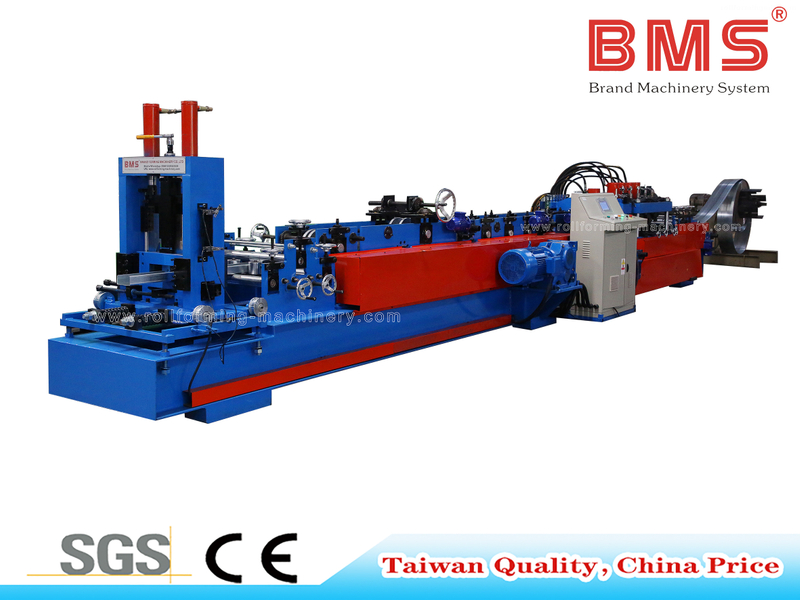
Separate C/U panel machine
C50–250 / U50–250
Compare its own section, material and tooling specification with your production requirements.
View Product Details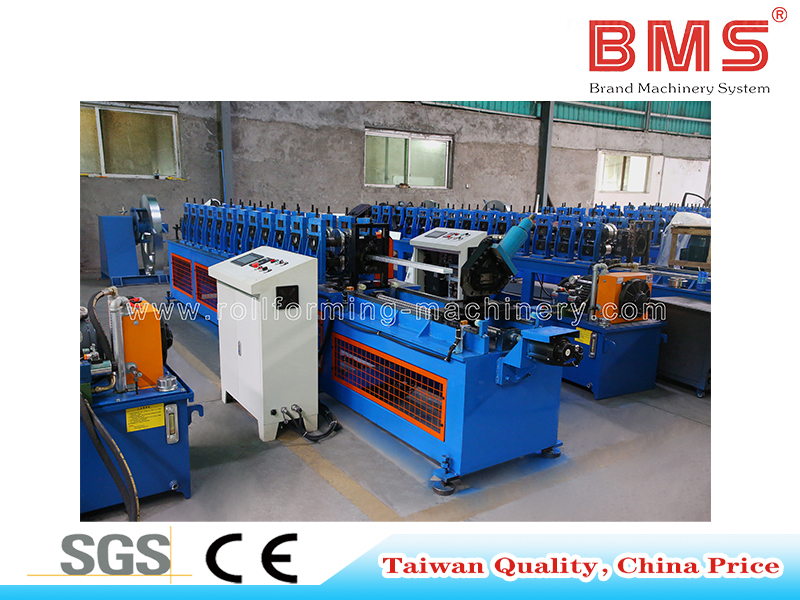
Separate stud and track route
Quick-change Stud and Track
Review the published machine configuration and its changeover arrangement for your section mix.
View Product DetailsFactory Acceptance Built Around Your BOM
Build factory acceptance around one controlled project job. Lock the drawings, material, tools, software versions and BOM, then test representative boundary parts, A-to-B-to-A changes, identities, remakes, errors and matched assemblies, retaining measurements, quantities and the full test time.
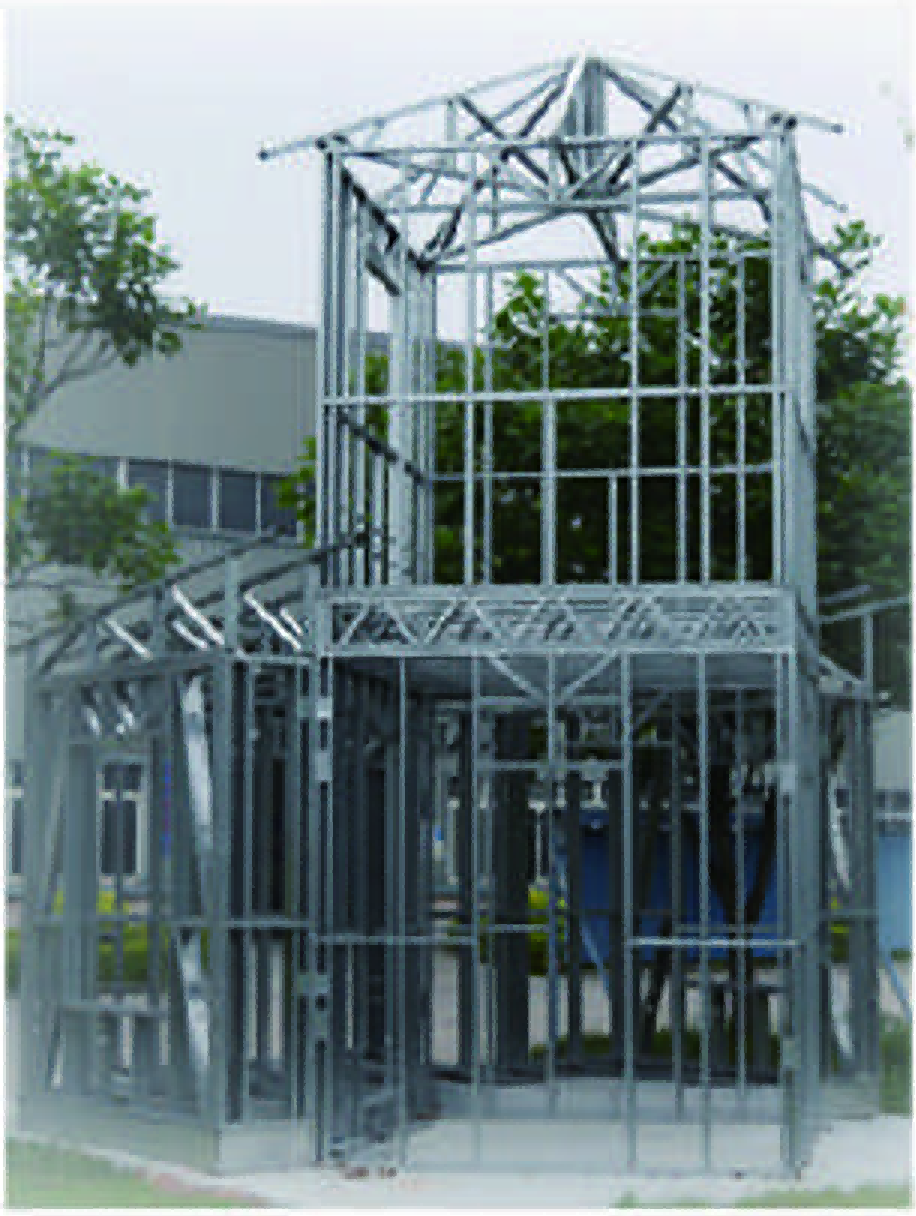
- Freeze the test inputsRecord the drawing/BOM revision, actual steel certificate, coil, tools, job data, controller/software versions and supplied equipment.
- Run boundary partsInclude demanding profile/material combinations, short members, near-end features and mirrored parts. Compare free-part dimensions to the agreed datums and limits.
- Change A to B and backMeasure complete changeovers, accepted first parts, manual work, trial pieces and scrap, then repeat the agreed checks after returning to A.
- Test identity and exceptionsRun a revision change, controlled remake, duplicate/obsolete job and a missing-tool or unsupported-operation scenario. Retain the accepted result or rejection record.
- Close the project BOMCount accepted members, allocate each once and demonstrate shortages or completed kits. Where included, inspect matched interfaces and representative assemblies.
- Record and sign offRetain quantities, measurements and the full test time. Assign defects, corrective actions, retest conditions and sign-off for each supplied stage.
Set factory acceptance test (FAT) limits before the run. A long straight sample, unloaded run or software screenshot alone cannot accept the entire job. Separate the equipment test, component quality, kit completeness and any assembly demonstration in the acceptance record.
From Factory Test to Site Production
Site acceptance repeats the agreed job with the local utilities, coils, software licences and operating team. Training should cover feeding, changeover first parts, job release, remake control, inspection, maintenance and recovery, with outstanding actions and retests assigned before routine production.
Prepare the site
Complete the layout, services, coil handling, licences, network arrangements and installation responsibilities before the line arrives.
Repeat the agreed job
Use local coils, utilities and the operating team for site acceptance testing (SAT). Compare accepted parts, kit allocation and any included assembly stage with the agreed criteria.
Release routine production
Close outstanding work, maintenance and training actions. Demonstrate restart and the contracted recovery procedures, then assign any remaining retest.
Train through a complete order
Cover safe coil feeding, dimensional and tool changeovers, first-piece checks, job release, identification, remakes, inspection and routine maintenance. Operators should practise the actual handoffs between these tasks.
Put service terms in writing
Define training language, shifts, travel, remote support, on-site attendance and the ramp-up period. Remote assistance and local attendance have different logistics and response commitments.
Plan the Complete Workshop
Size the factory around the complete material flow. Coil storage and lifting, feeding, long-part support, kit buffers, assembly, panel handling, dispatch and maintenance access all need space; utilities and spares follow the complete configuration rather than one motor or tank value.
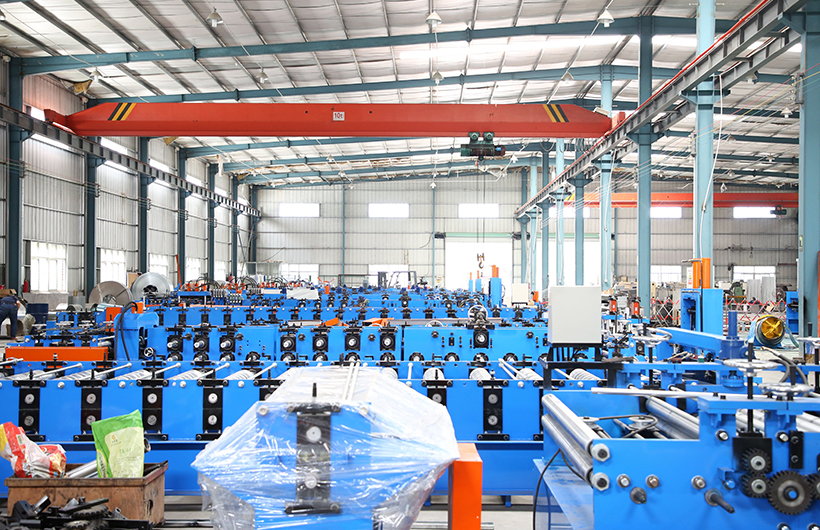
Make room for the entire flow
Map coil unloading and storage, decoiling, feeding, forming, long-part support, inspection, kit buffers, fixtures, panel turning/lifting and dispatch. Keep tool-change and maintenance access clear at each station.
Part length, buffer policy and assembled-frame handling can determine the layout even when the forming machine itself fits comfortably.
Utilities and handling
Define voltage/frequency, the complete installed electrical load, hydraulic and any air requirements, network, floor/loading conditions, environmental conditions and the provider of each handling device. Use the complete equipment schedule, rather than one motor rating.
Tools, spares and maintenance
Identify blades, punches, guides and consumables by tool/part code. Agree inspection and lubrication tasks, critical spares, replacement lead times and service coverage. Restore the accepted first-part condition after maintenance or a tool replacement.
Who Owns Each Project Decision?
Machine acceptance verifies the agreed manufacturing scope. Project designers approve structural and building requirements, the factory releases components and assemblies, and installers follow the approved installation information; machine settings, material documents or framing photographs do not replace those responsibilities.
Design and detailing
Approve the project’s structural requirements, member and connection drawings, relevant standards/editions and released revisions.
Equipment supply
Define and demonstrate the contracted manufacturing configuration, tools, control/data scope and acceptance tests.
Manufacturing and assembly
Control material, jobs, parts, kit allocation and assembly quality; process changes through the assigned approval route.
Installation
Follow the approved installation information, connection requirements, handling and site inspection responsibilities.
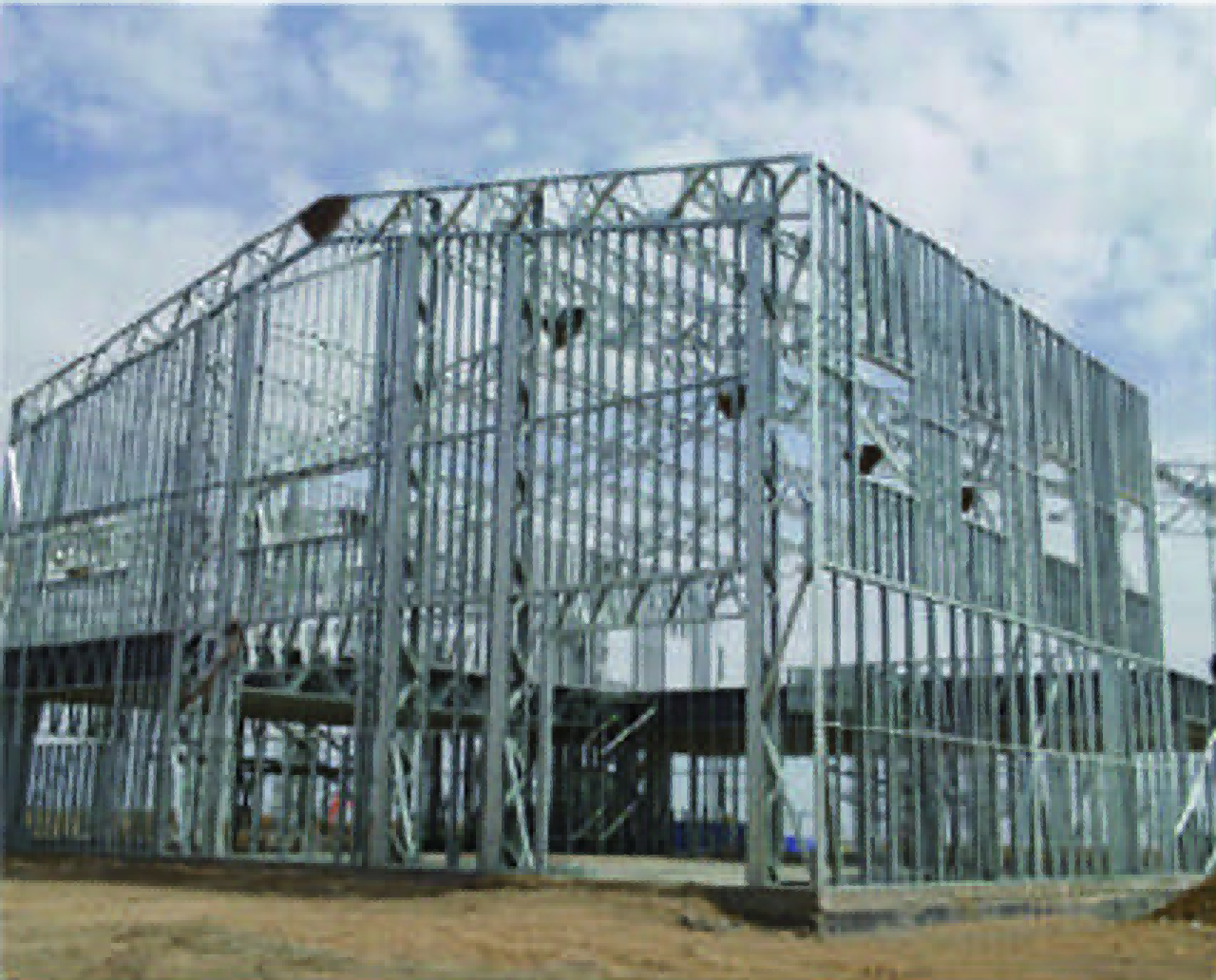
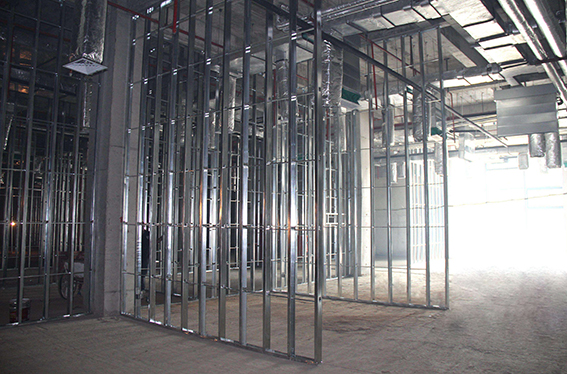
For projects in the United States, Saudi Arabia, Russia, India or Mexico, include the destination, project design basis, material/coating requirements, connection details and document/training language in the brief. Machine acceptance, material documentation and building-system approval each have their own scope and responsible party.
Bring One Representative Order
Start your enquiry with the delivery stage, destination, representative sections, order mix and current bottleneck. Follow with the approved drawings, BOM revision, material certificate, feature details and production-data route, so the quotation can define equipment, tooling, software, downstream work and acceptance together.
Start with five practical inputs
- Delivery stage: loose components, project kits, wall panels or trusses.
- Destination: project country and proposed factory location.
- Representative sections: C/U drawings and the intended steel.
- Order mix: member quantities, lengths and change frequency.
- Current bottleneck: forming, tooling, data, sorting, assembly or quality.
Build the engineering review pack
Add the approved drawing/BOM revisions, material certificate, feature and connection schedule, intended manufacturing-data route, required accepted output, factory layout/services and FAT/SAT criteria.
Separate items included with the machine, optional equipment, third-party licences and buyer-supplied assembly or handling equipment. Share project files through an authorised route and use one representative order to keep the review concrete.
Framing Production Questions
It produces C/U framing components within the selected profile, material and tooling configuration. A project kit also needs a complete, revision-controlled BOM allocation. Wall panels and trusses add fixtures, fastening, assembly inspection and handling; include those operations separately in the production scope.
Compare delivery stages →Automatic size change refers to dimensional adjustment within the configured machine. Roll settings, punch tools, cutting tools, strip width and job data need their own changeover method. Evaluate an A-to-B-to-A sequence from the last accepted part to the next accepted first part, including manual work and trial material.
Review the complete changeover →The CU75-250 brochure gives eight web references: 75, 100, 140, 150, 190, 200, 240 and 250 mm, plus flange references of 45/51 mm, a lip reference of 8–15 mm and thickness of 0.75–2.5 mm. Select actual combinations using approved section drawings, thickness basis, strength, coating, strip width and tooling; the figures do not define every possible combination.
Review profiles and materials →Fit depends on actual inside and outside dimensions, thickness, coating, bend radii and clearance. Check free components first, then a matched C/U interface and an assembly made to the approved connection revision. A forced assembly can conceal a section-shape error.
Check the C/U interface →Define each feature and operation in the equipment schedule. The CU75–250 route includes the configured feeding, punching, forming and post-cutting equipment; hole families and end details depend on the selected tools. Specify marking hardware and data functions separately. Dimpling, fastening and board fixing each need their own agreed tool or assembly scope.
Review tools and features →Use a data route defined for the selected controller, postprocessor and tool map. A design model, member BOM and machine job serve different purposes. Test units, origin, orientation, section codes, tool codes, identities and revisions against real parts; a file extension or model preview alone does not establish compatibility.
Test the production-data route →Release by project, member ID and drawing revision. Withdraw superseded jobs, segregate old parts and remap affected members before a remake. Link accepted replacement parts to the current BOM and allocate each physical part once; identical lengths can still have different holes, ends or orientations.
Review revision and remake control →Separate the controller from design or detailing software, postprocessors and interfaces. The purchase schedule should identify the supplier, version, users or machines, licence term, renewals, data ownership, support and agreed backup and recovery scenarios. Define offline operation or licence transfer only for the specific purchased configuration.
Define software and recovery scope →Use accepted quantities from a representative BOM over an agreed time window. For one repeated kit, divide each accepted member quantity by its required quantity and take the lowest whole number, counting each part once. Forming speed does not include the full effect of punching, cutting, changes, quality checks, remakes or assembly.
Measure accepted output →Factory acceptance tests the agreed equipment and job with controlled inputs. Site acceptance repeats the agreed work using local utilities, coils, licences and the operating team, and closes installation, training and recovery actions. Keep part, interface, kit and assembly results separate from structural design approval.
Review factory and site acceptance →Start with the delivery stage, destination, representative C/U sections, order mix and current bottleneck. Add the drawing and BOM revisions, material certificate, feature schedule and intended production-data route for engineering review. These inputs help define equipment, tools, software, downstream operations and acceptance in one quotation.
Prepare your project brief →Plan Your Framing Production with BMS
Bring one representative framing order: your C/U sections, steel, BOM and required delivery stage. Evaluate the machine, tools, production-data route, assembly responsibilities and acceptance plan against the job you need to deliver.